Drumraq
A Drum Sequencer Audio Plugin
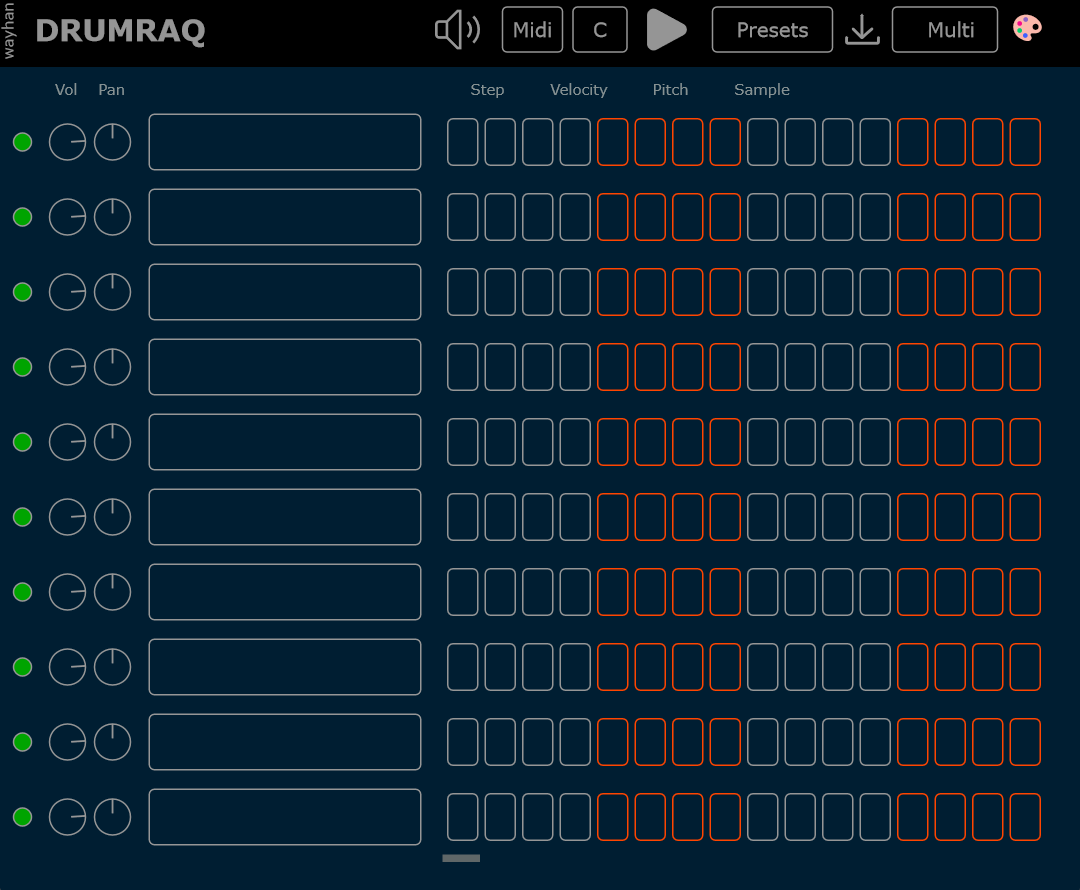
* Available on Windows only. Try before you buy.
* Your transaction is handled entirely through Gumroad’s trusted payment system.
- 10 sample pads | Midi map : C3 - A3
- 16 steps / 1 Bar
- 5 patterns | Midi map : C4 D4 E4 F4 G4
- Volume, pan, mute/solo
- Multiout : Route individual pad to separate buses
- Shortcut pattern fillers
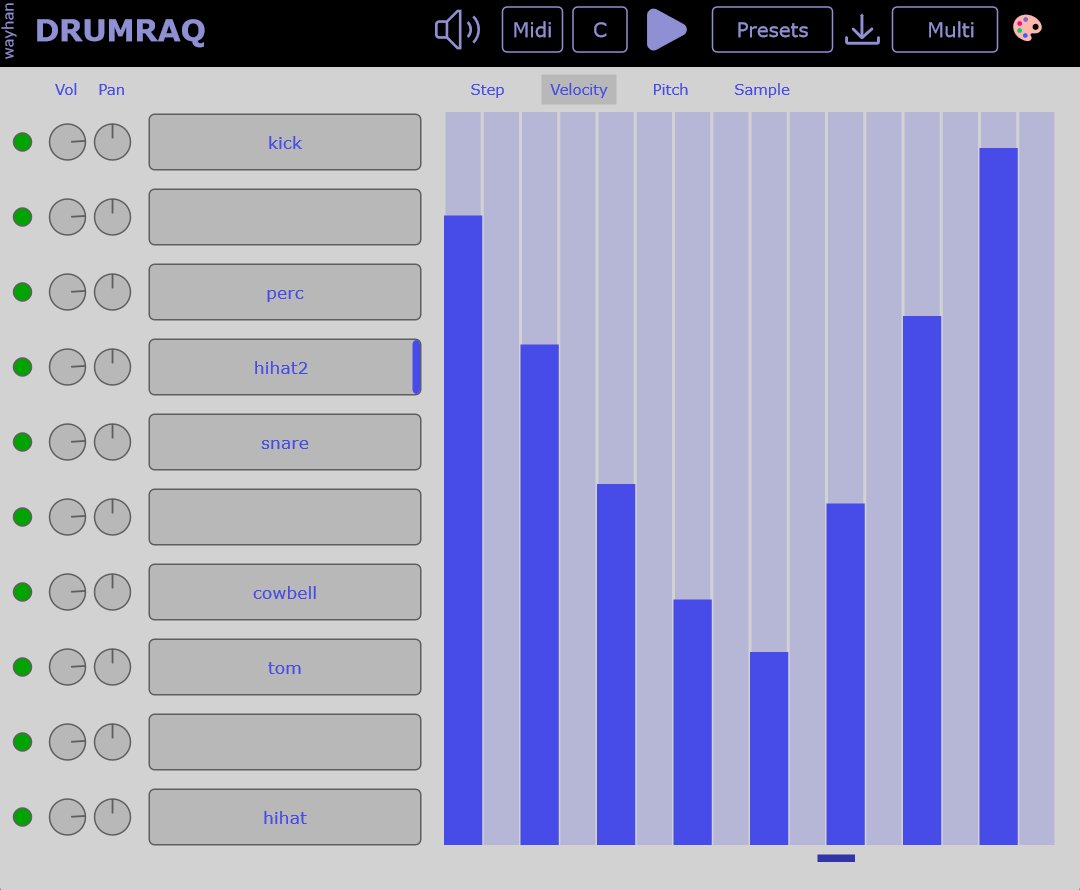
- Velocity Editor
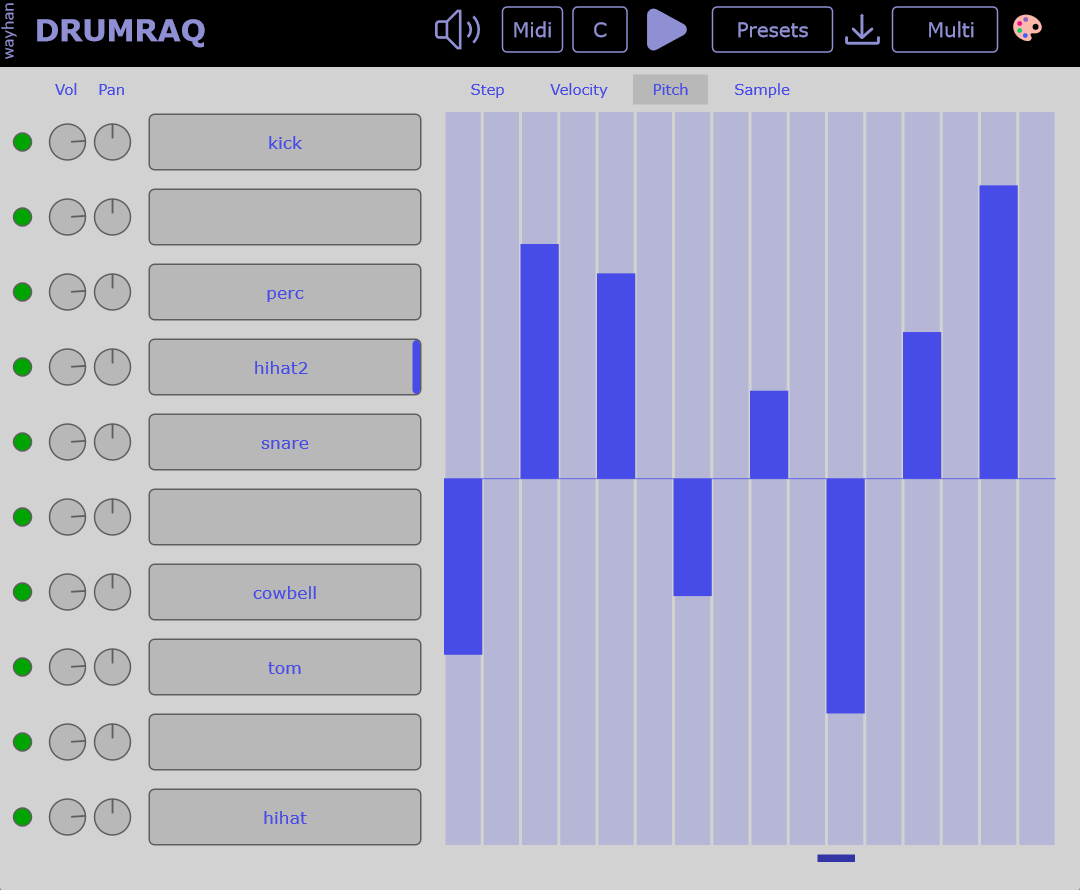
- Pitch Editor
- High cut EQ
- Sample Start/End, Attack, Release, Fade In/Out
- Swing
- Pitch shift
- Presets- Save kits and patterns
- Themes
- Free updates forever
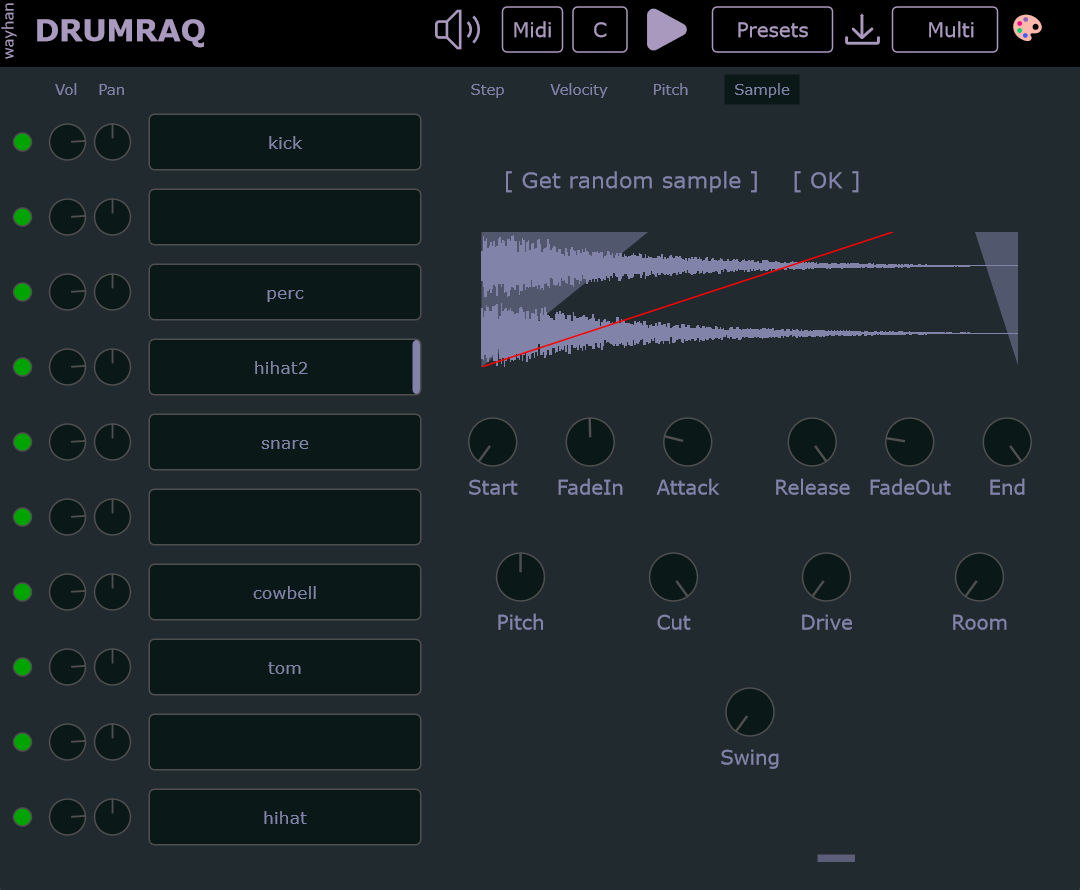
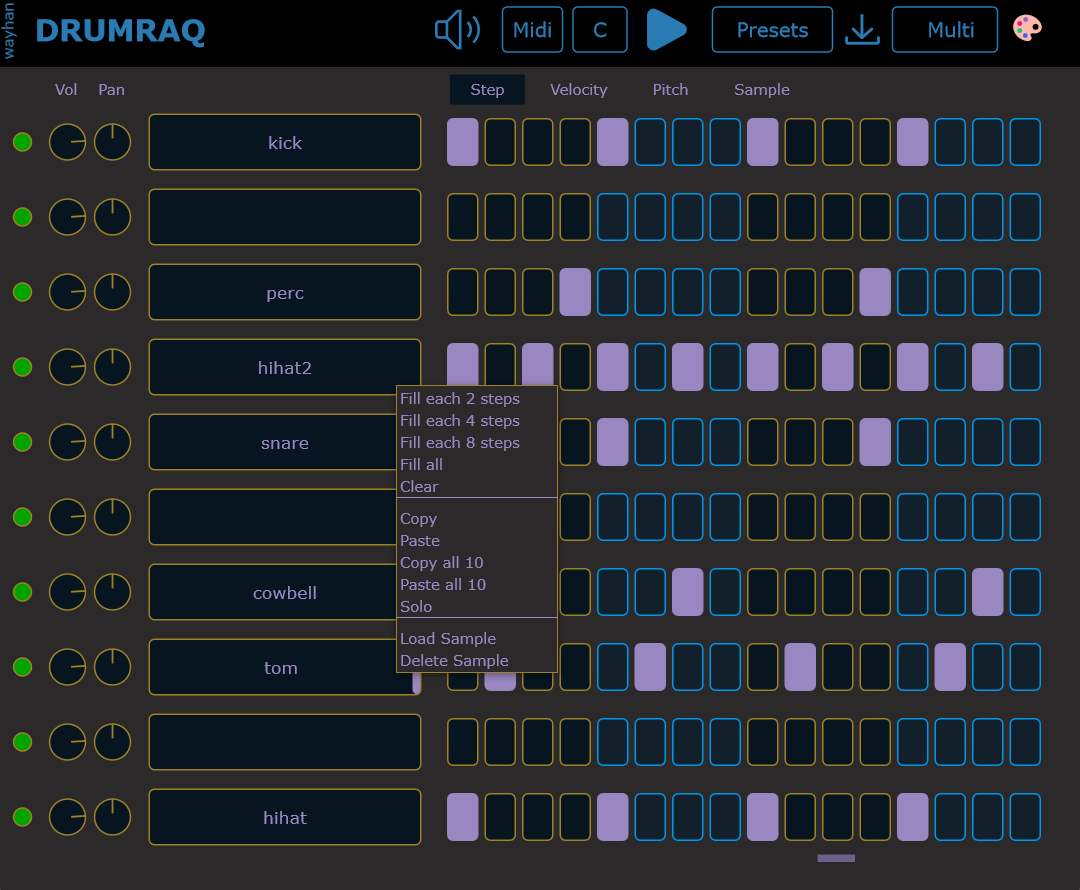
Loading Samples
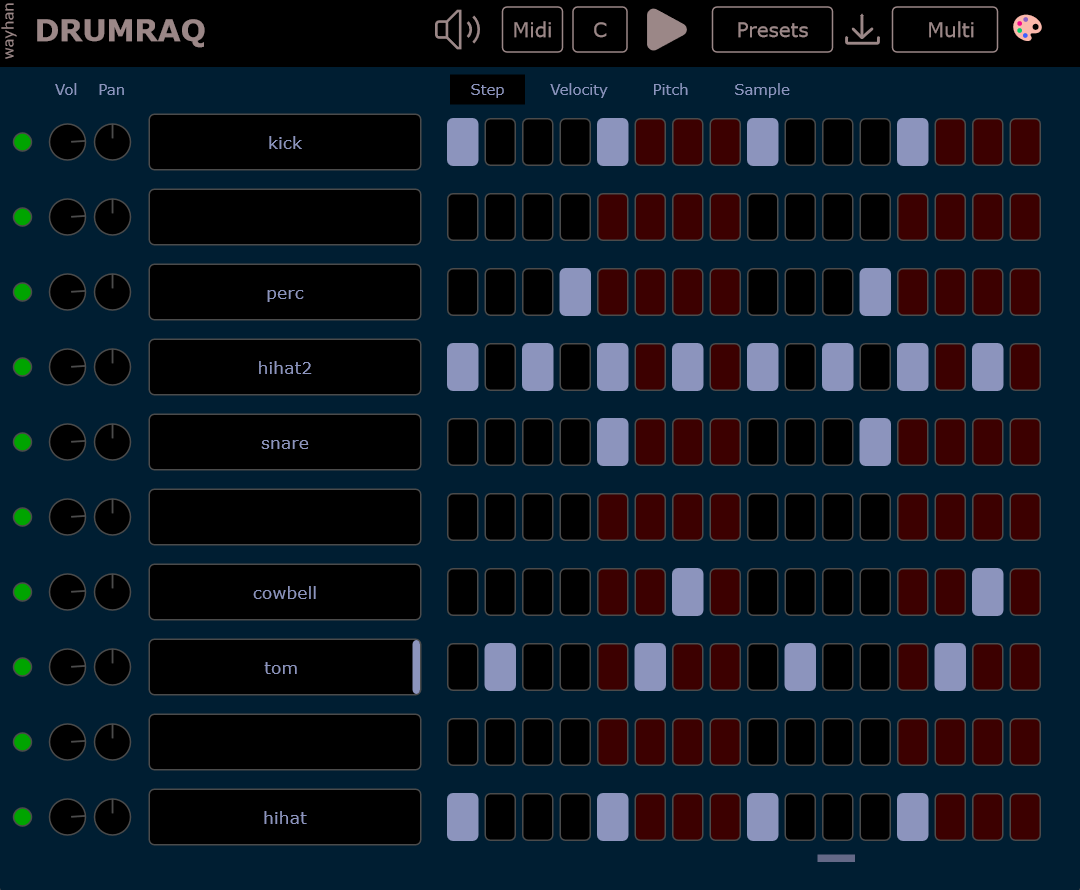
Simply drag and drop sample onto any pad.
Alternatively, right-click on any pad and select "Load Sample" to browse your sample folder.
Left-click on a pad to preview the sample.
Additionally, samples can be triggered using MIDI keys, mapped from C3 to A3.
Making pattern
Click/drag on steps, or right-click on a pad and select a shortcut. Right click on step to disable it.
Play
Play the pattern by pressing C4 - A4 on your MIDI keyboard or programming them in your DAW’s piano roll.
Use play button to live preview your sequence.
Multiout
For more effects and processing, the plugin allows individual sounds to be routed to separate buses or mixer tracks in your DAW.
Click the"Multi" button to enable multiple outputs.
Configure your DAW to receive separate outputs - refer to your DAW's manual for setup instructions.
Presets
You can save your session as a preset. It stores plugin parameters, patterns, and sample files.
Presets are portable. Means it can be transferred to other system or can be shared with others.
Themes
Choose from several theme options with different colors. Once selected, it will be saved as default automatically.